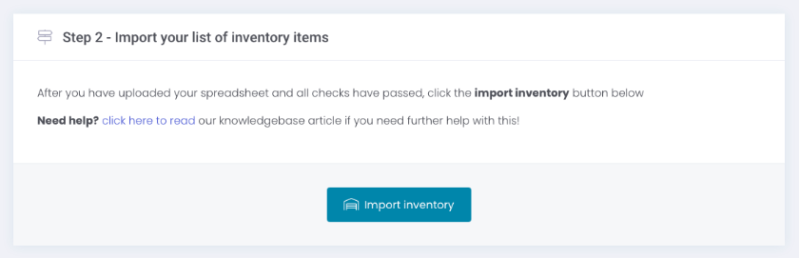

If you’re a Storman Cloud customer, and you’re needing to update your list of inventory items – you’re in luck. We’ve got a great new feature for you this week! We’re excited to introduce you to our new Inventory Data Loader.
You can use this new feature to do a range of inventory-related tasks quickly and easily – including:
- Add a new inventory items
- Adjust the stock-on-hand quantities of all active inventory items
- Adjust the cost and sale prices of all active inventory items
- Adjust the description of all active inventory items
- Set active inventory items to inactive
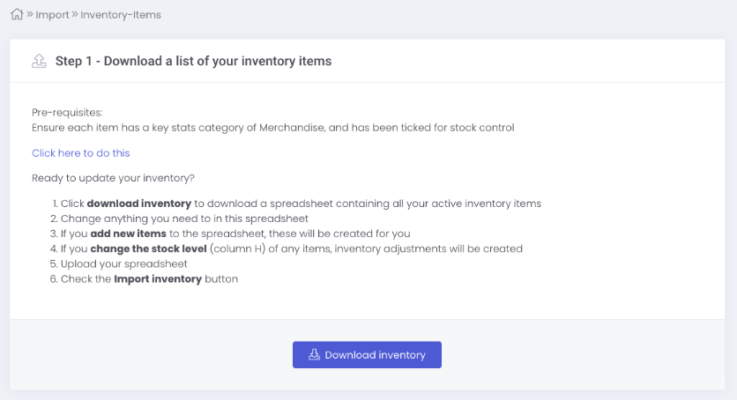
You can access this new feature from our side navbar, by selecting Import > Inventory items. From there, you can download a spreadsheet of all your merchandise inventory straight out of Storman, make any changes you need (such as retail price, cost, or stock-on-hand levels), or add new items with a 3 character item code.
Once you’ve made the changes you need, you can simply re-import your updated spreadsheet. Storman will check for any errors, and then voilà – your inventory is updated!