
How to: Undo future scheduled rent increases
You may have rent increases that have already been scheduled on a customer’s account, for a future date. Follow the instructions below to remove these:
- Go to Reports→ Management→ Rental Increase Reports
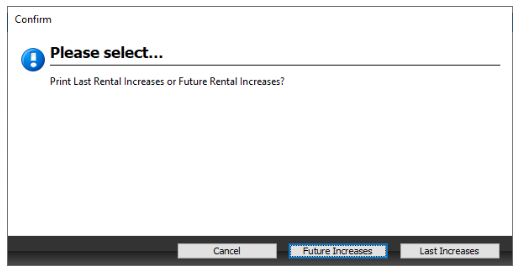
- When you run the report, choose to show units with “Future Increases”
The report will show all rent increases scheduled after and including the date you enter here:
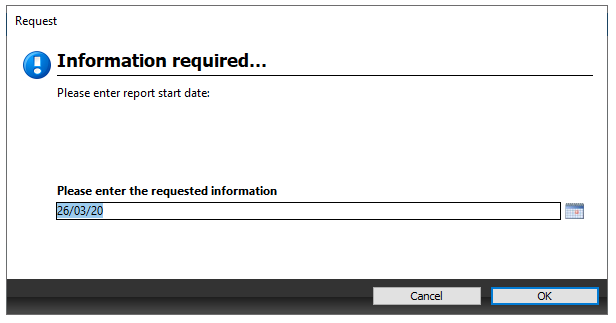
- The pdf report will show you all future rent increases that have already been scheduled and the date this is due to occur.
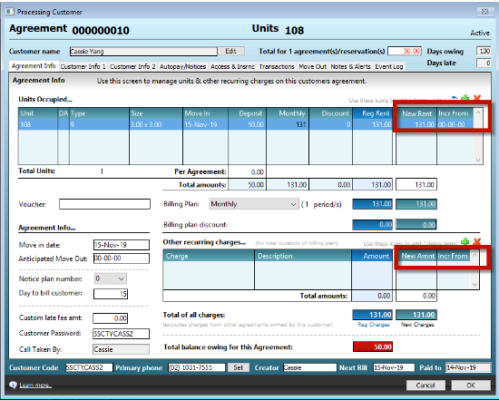
- You will need to open each agreement you wish to change.
On the Agreement tab: Set the ‘New Rent From Date’ for each unit to 00/00/00
- You can run the report in step 1 multiple times to ensure you have removed all scheduled rent increases.
How to: Turn off automatic rent increases
You can check if your facility has automatic rent increases turned on by going to:
- Maintenance→ Rent Increase Rules
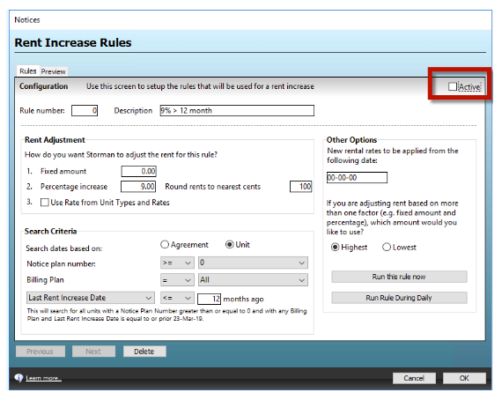
If there are any rent increase rules set here, and they are set to ‘Active’, these rules will run during daily processing.
To turn them off, Un-tick the ‘Active’ box on any rent increase rule you do not wish to run.
This will stop daily processing from scheduling anymore rental increases until you are ready to turn them back on again.